MARGINCANVAS
HomeTools → Event Profitability Tracker
Event & Wedding Profitability Tracker

The event went beautifully, the invoice got paid, and the profit is anyone's guess.

Compare what an event was budgeted at against what it actually cost, and find which part of the production overran.

$39 USD · one-time
Buy on Etsy · $39Gumroad coming soon
Instant download · Excel & Google Sheets · works on Mac and Windows · on Etsy today, Gumroad soon
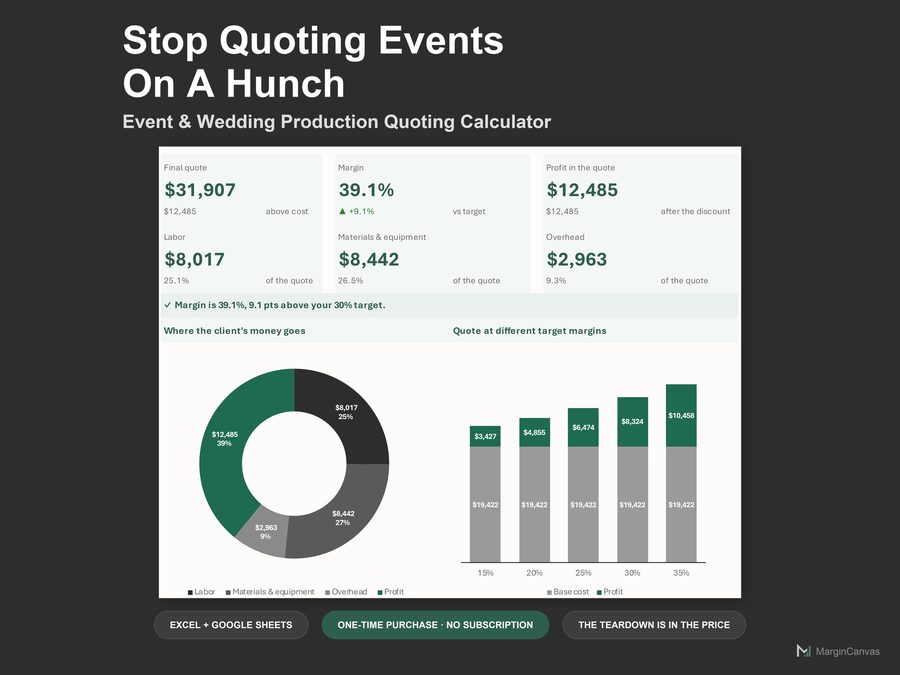
Event Profitability Tracker dashboard
Who it's for

Made for the way you actually work.

  • Wedding and event planners pricing next season off what this one really cost
  • Production crews whose install hours never make the invoice
  • Coordinators running six vendors and one thin margin
  • Solo planners who know their bookings but not their profit
What's included

Everything in one file.

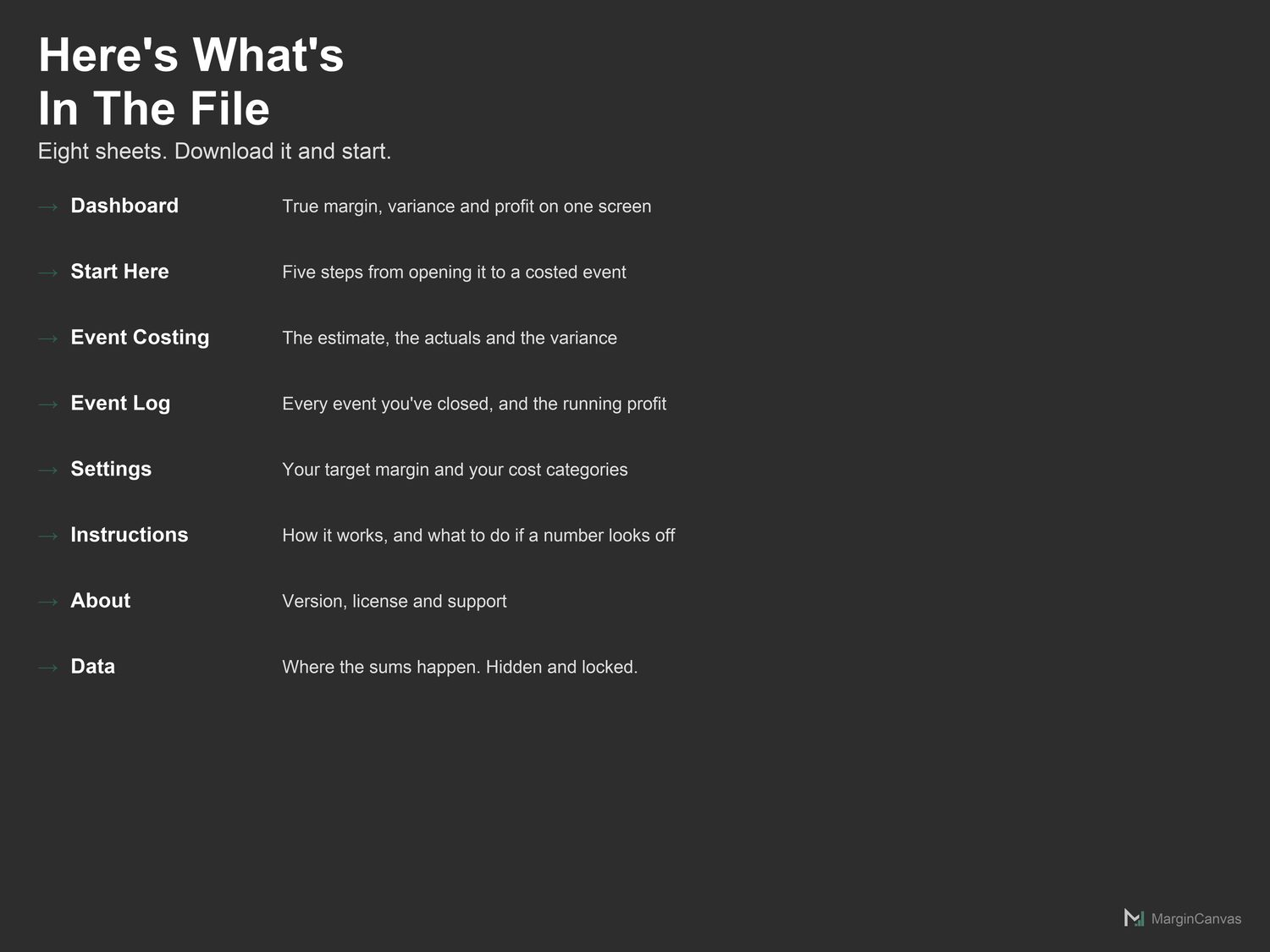
  • Dashboard: True margin, variance and cumulative profit. Read-only.
  • Start Here: Five steps from opening the file to a real number on screen.
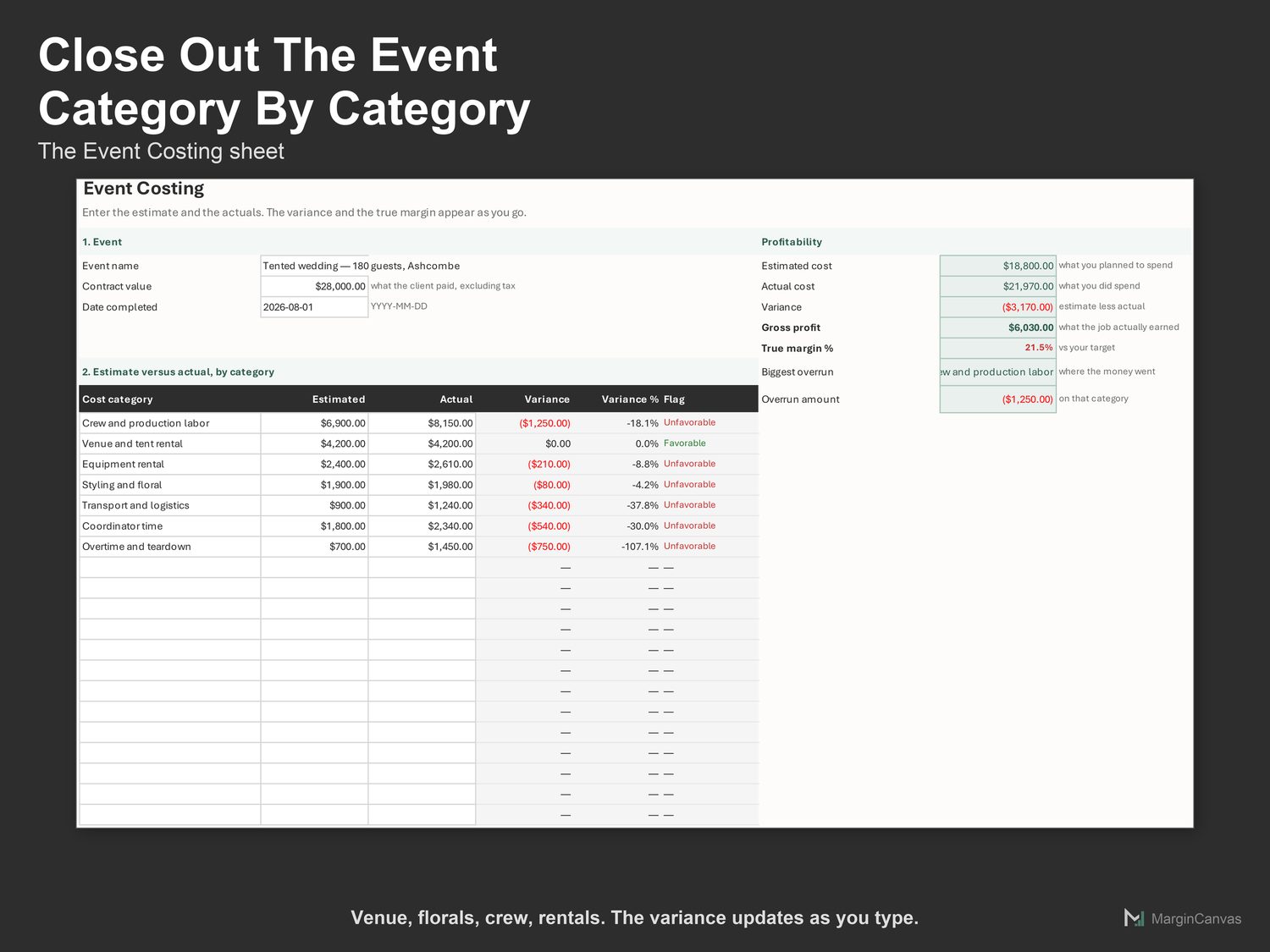
  • Event Costing: Where you close out one job. The main working sheet.
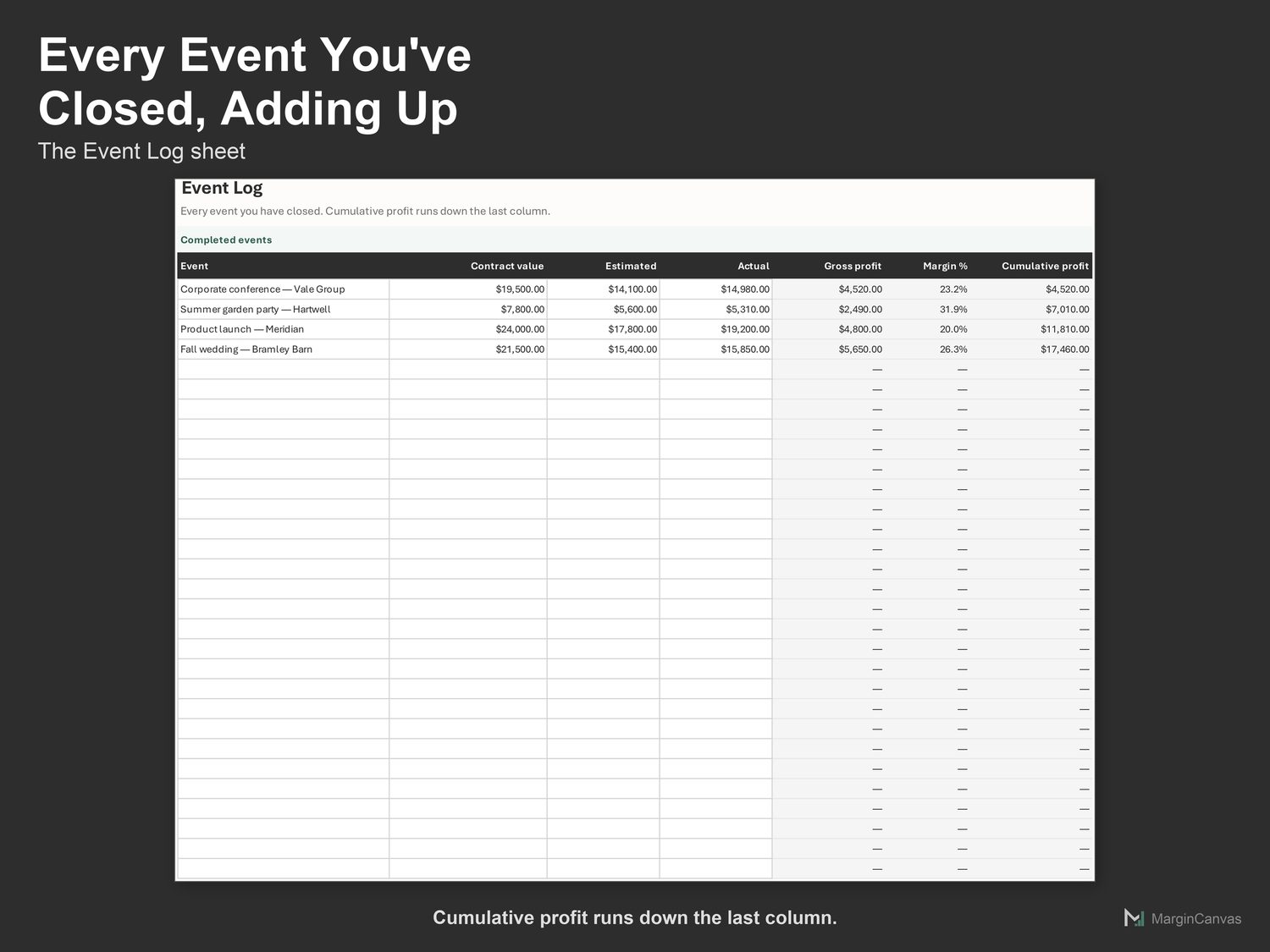
  • Event Log: Every job you have closed, and cumulative profit across them.
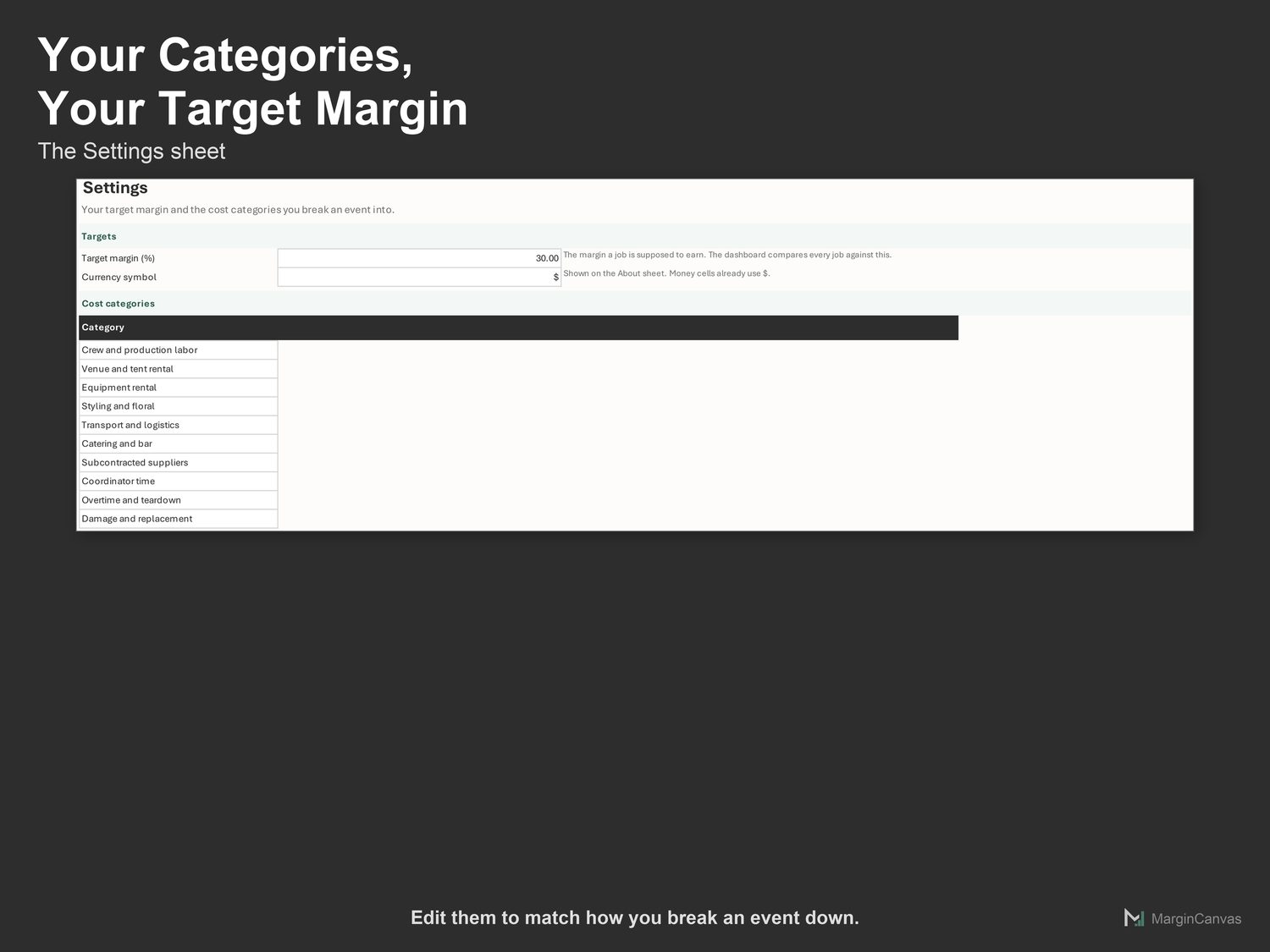
  • Settings: Your target margin and the cost categories you track.
  • Instructions: What each sheet does, and what to do if a number looks off.
  • About: Version, license and support.
  • PDF Quick-Start Guide: two pages, first result in five minutes
How it works

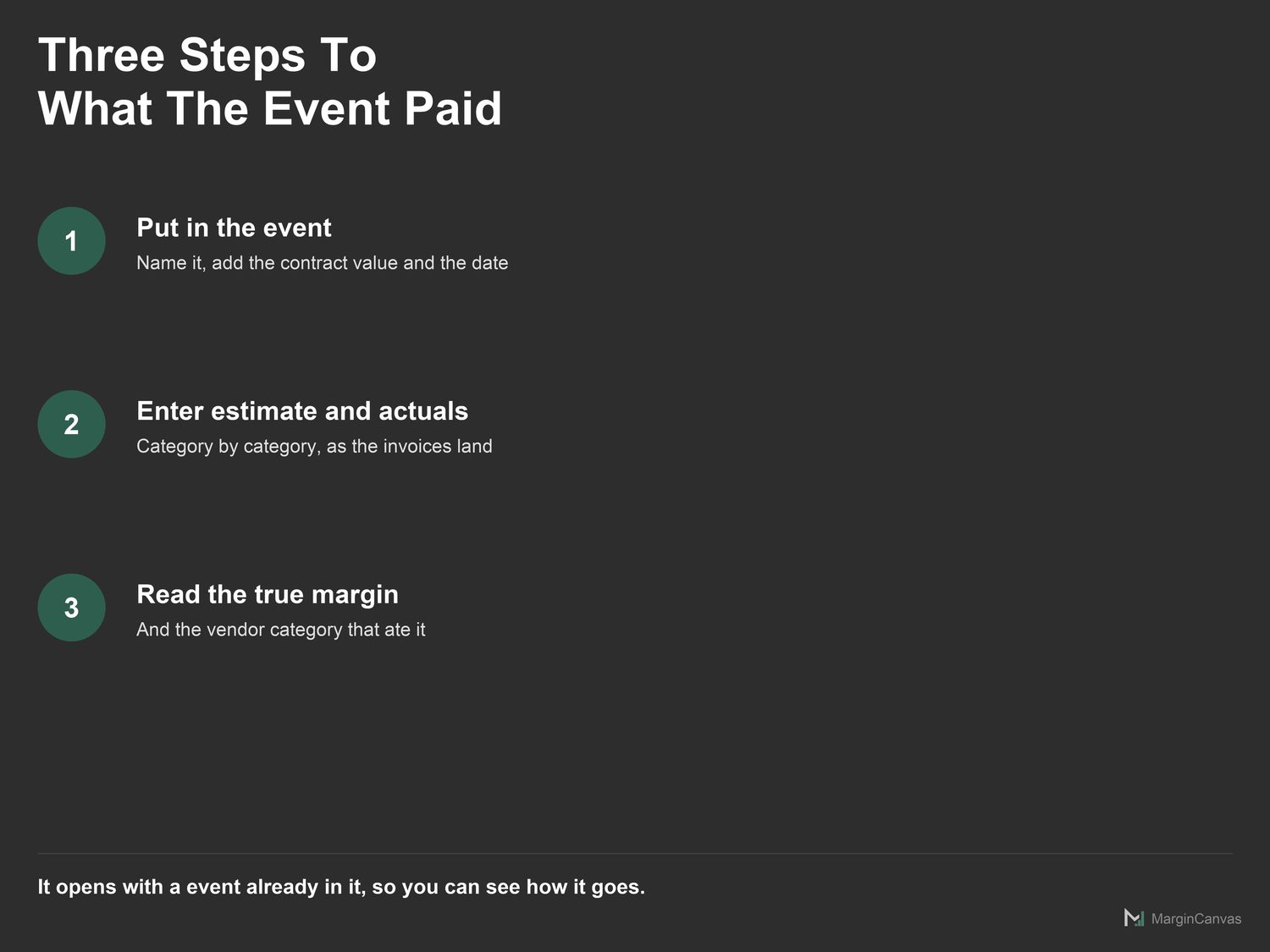
Three steps to a number you trust.

  1. Open Settings. Set the margin an event is supposed to earn, and edit the cost categories to match how you break one down.
  2. Open Event Costing. Name the event, enter the Contract value excluding tax, and the date it completed.
  3. Enter your estimate for each category, the numbers you worked from before you started.
A look inside

The screens you'll be working in.

List of the eight sheets in the event profitability trackerEvent Costing sheet comparing estimated and actual cost by categoryEvent Log sheet with every closed event and cumulative profitSettings sheet with target margin and cost categoriesThree steps: enter the estimate, enter the actuals, read the marginCompatibility: works in Google Sheets and Microsoft Excel 365
Questions

Good to know.

Can I track a season of events?
Yes. Each event is a row in the log, and cumulative profit shows whether the season as a whole paid.
How do I handle a client who reduces scope late?
Reduce the contract value and the estimate together. Leaving the original estimate in place produces a fake favorable variance.
Does this work in Excel and Google Sheets?
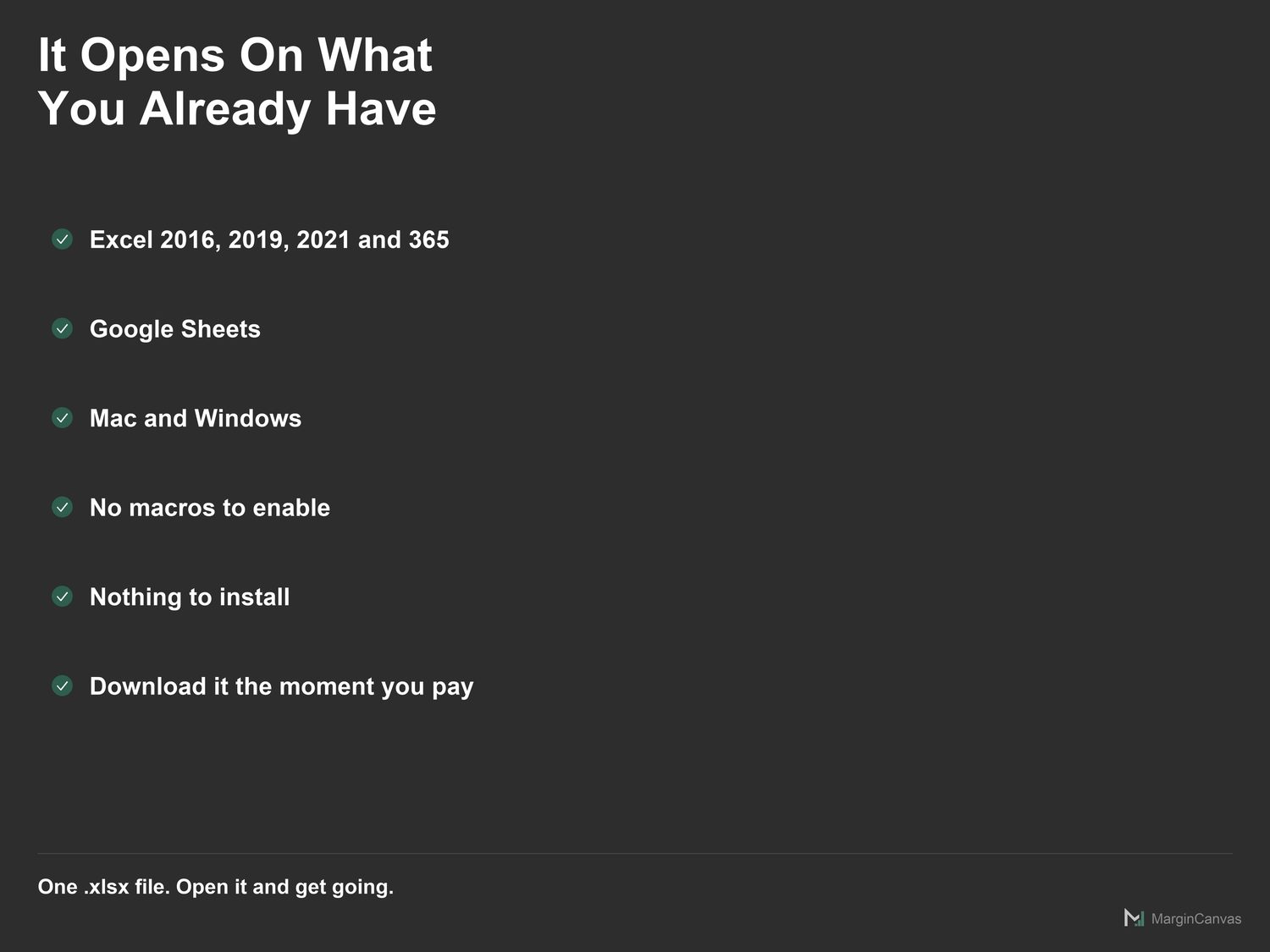
Both. Google Sheets: File > Import, or open and make a copy. Excel 365: open it directly. No macros, no add-ons, nothing to install.
Should I measure margin against the estimate or the actual?
Always the actual. Measuring against the estimate tells you how good your forecast was, which is useful, but it is not profit.
I'm not confident with spreadsheets. Will I manage?
Yes. The white cells are the only ones you touch. The Quick-Start Guide has your first real number on screen in about five minutes, and if you get stuck, message me.

One mispriced job costs more than this.

$39 once, and it's yours to keep. It pays for itself the first time it stops you underpricing a job or leaving margin on the table. No subscription, no login, just a file that does the maths.

Buy on Etsy · $39Gumroad coming soon
Related tools

Owners like you also use.