MARGINCANVAS
HomeTools → Change Order Tracker
Change Order Tracker for Contractors

The client added it on a walkthrough, you priced it on the spot, and nobody ever checked what it cost you.

Track every change order against what it actually cost, find which kind keeps losing money, and stop pricing extras at a discount.

$39 USD · one-time
Buy on Etsy · $39Gumroad coming soon
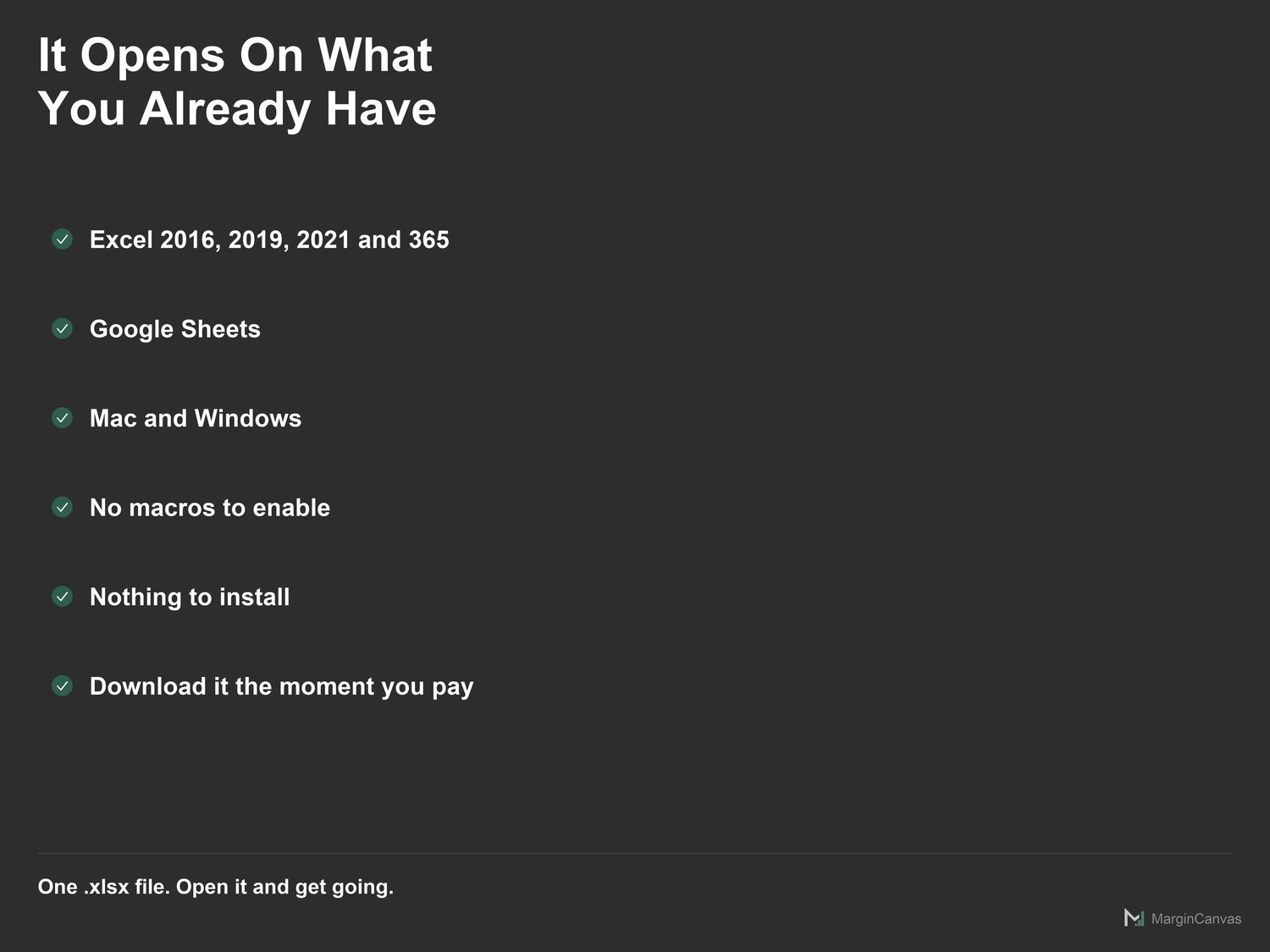
Instant download · Excel & Google Sheets · works on Mac and Windows · on Etsy today, Gumroad soon
Change Order Tracker dashboard
Who it's for

Made for the way you actually work.

  • General contractors whose jobs grow 20% after signing
  • Remodelers who price extras on site with the client waiting
  • Builders who hold margin on the contract and lose it on the changes
  • Anyone who's eaten a change order because it was never written down
What's included

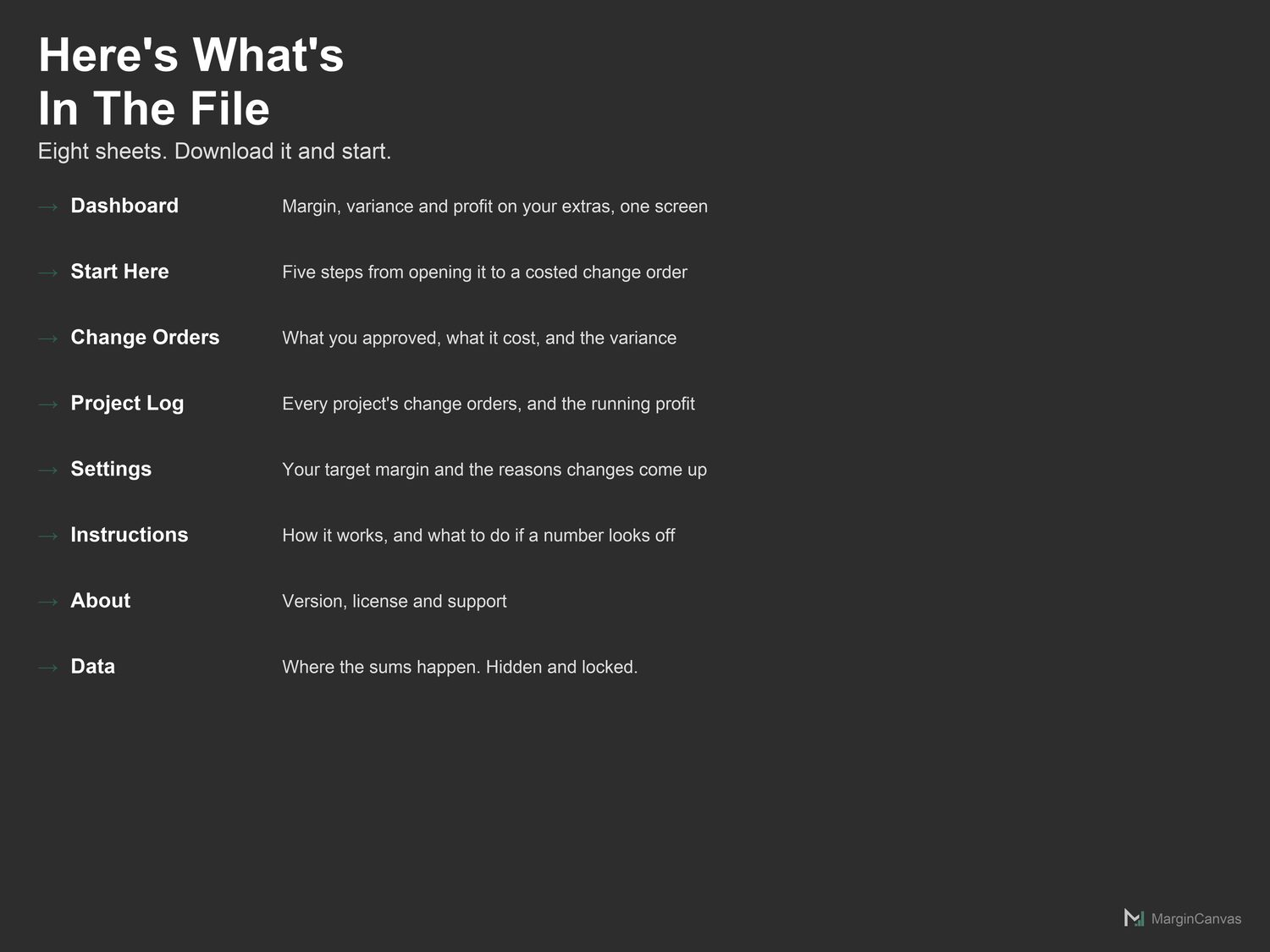
Everything in one file.

  • Dashboard: True margin, variance and cumulative profit. Read-only.
  • Start Here: Five steps from opening the file to a real number on screen.
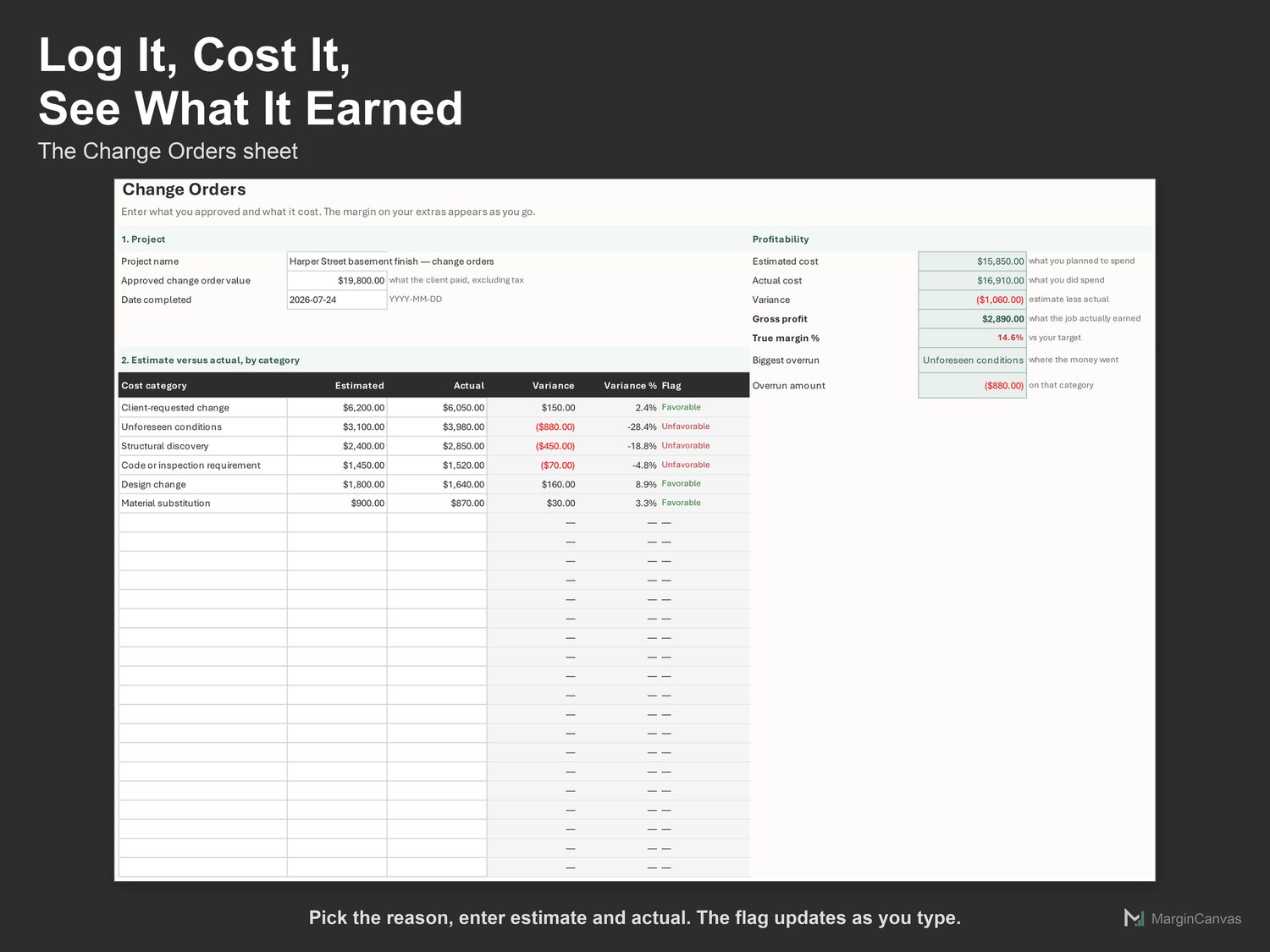
  • Change Orders: Where you close out one job. The main working sheet.
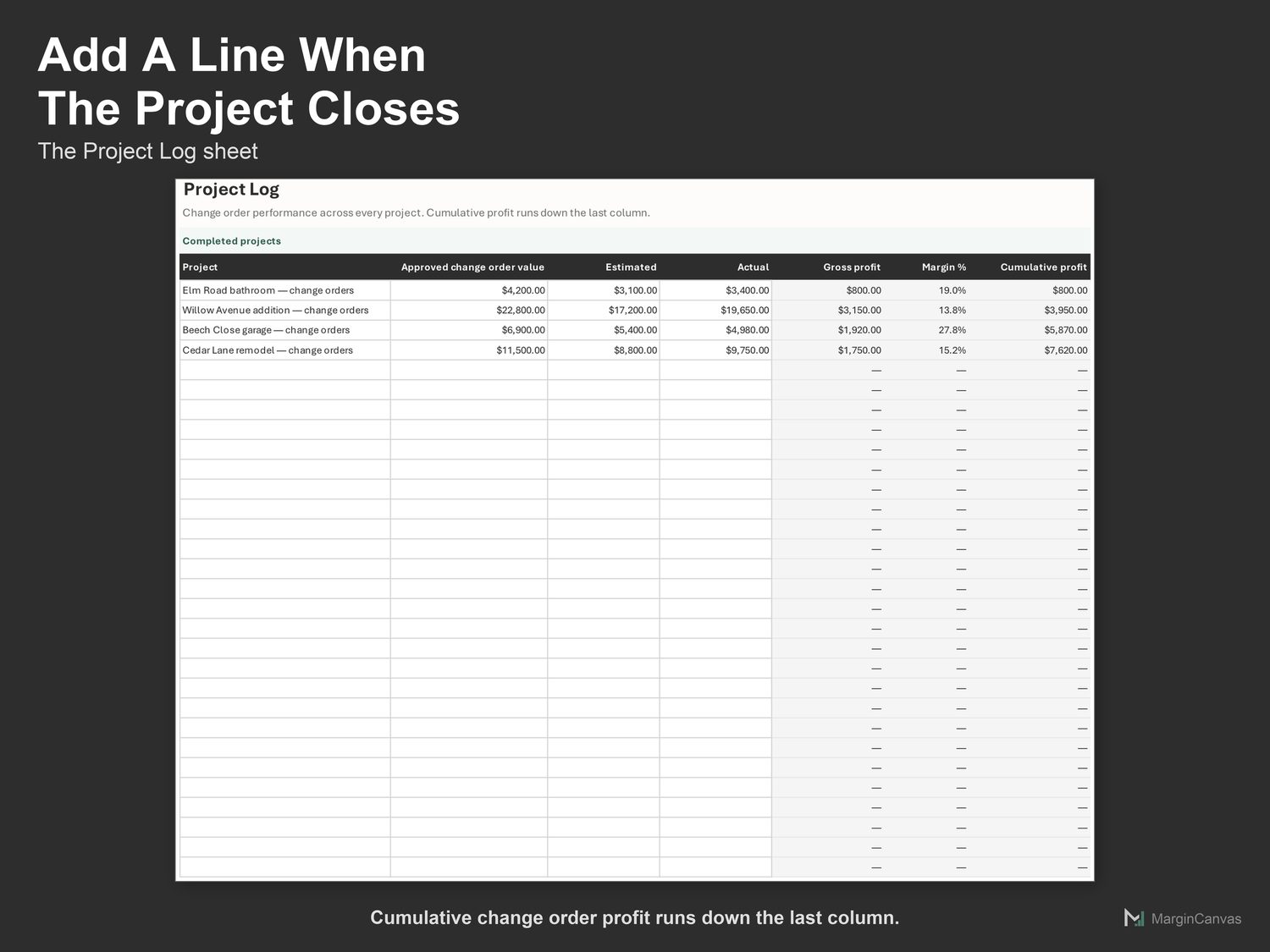
  • Project Log: Every job you have closed, and cumulative profit across them.
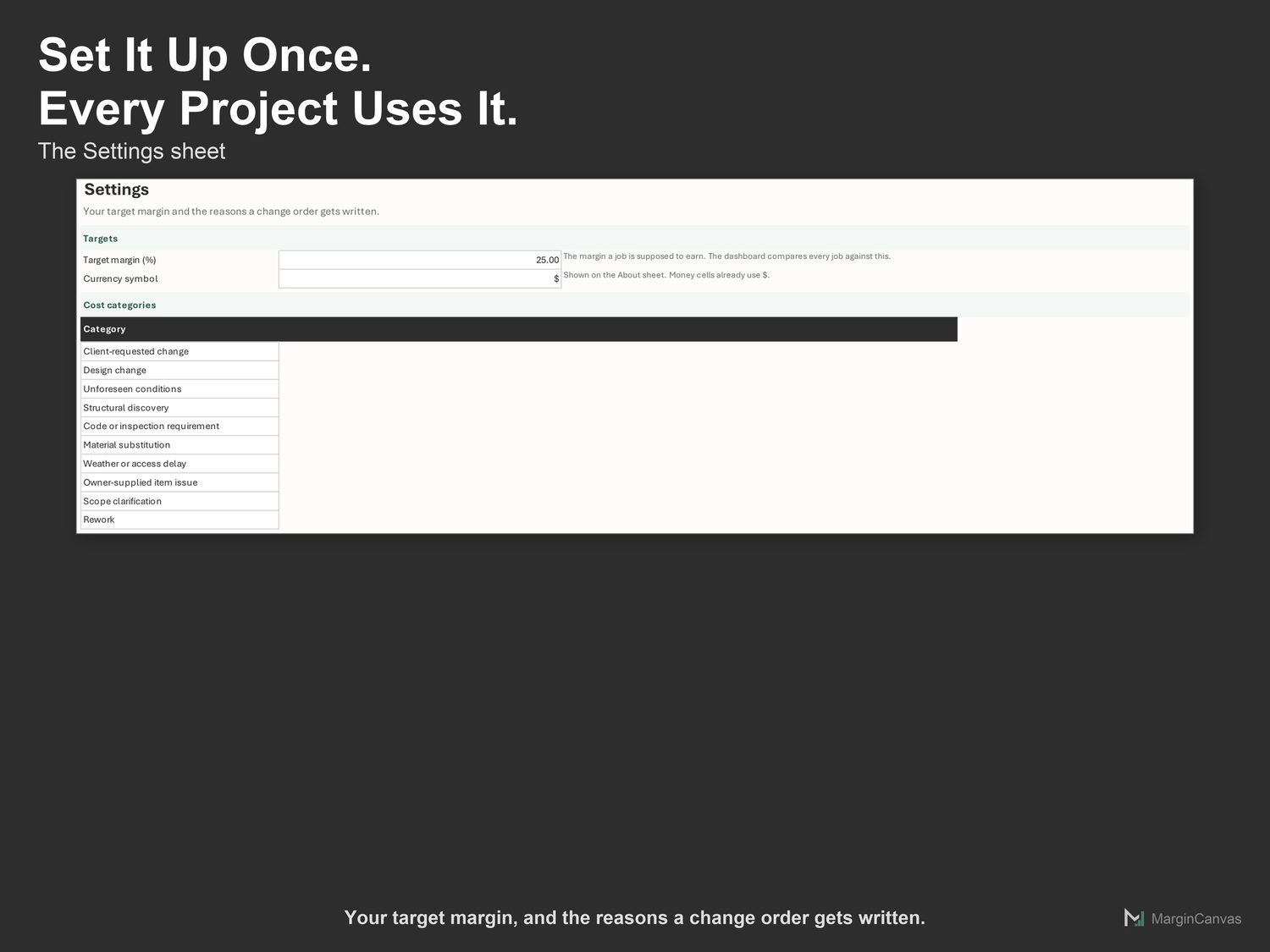
  • Settings: Your target margin and the cost categories you track.
  • Instructions: What each sheet does, and what to do if a number looks off.
  • About: Version, license and support.
  • PDF Quick-Start Guide: two pages, first result in five minutes
How it works

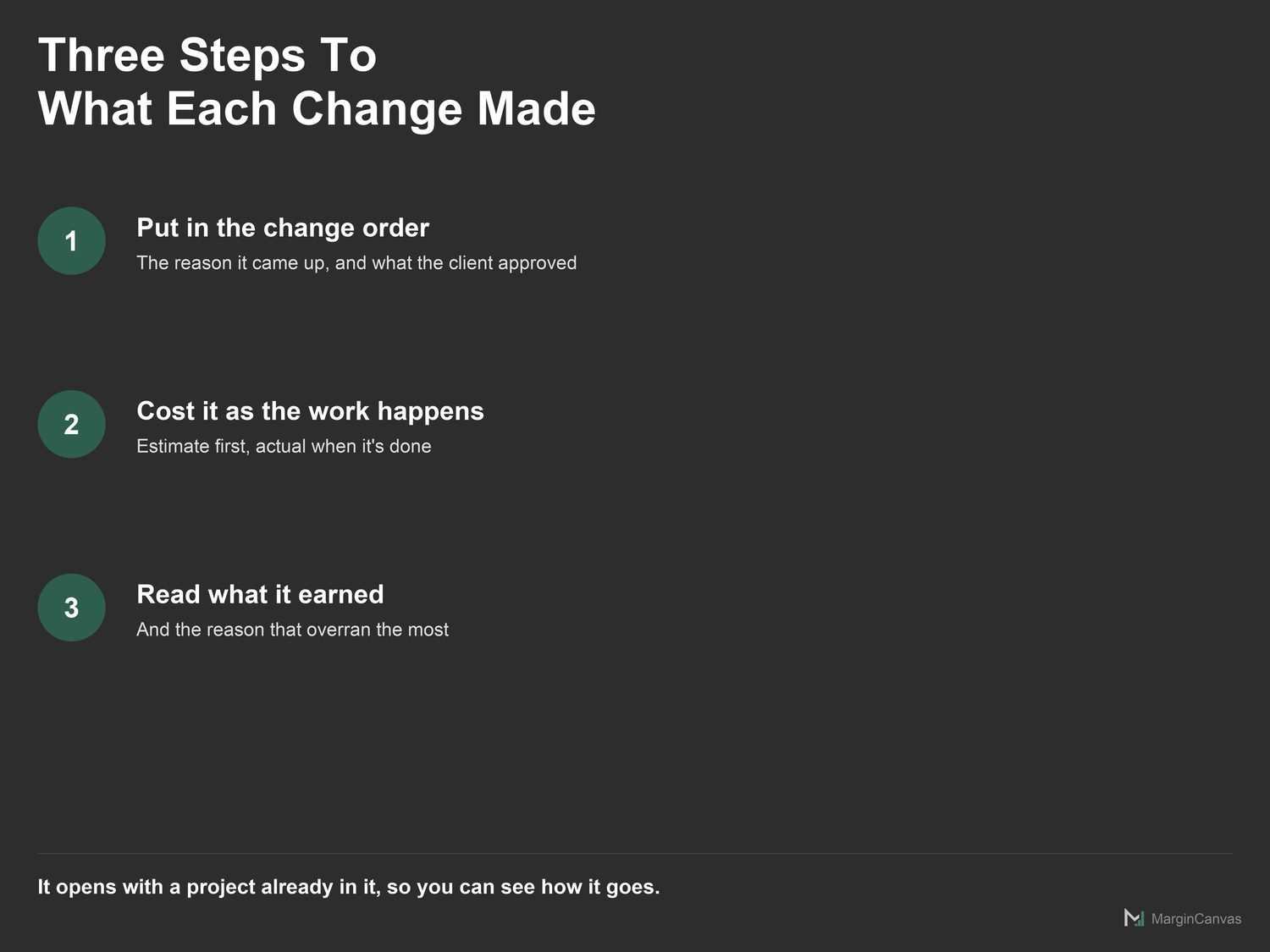
Three steps to a number you trust.

  1. Open Settings. Set the margin a change order is supposed to earn, and edit the reasons to match how changes come up on your projects.
  2. Open Change Orders. Name the project and enter the total value of approved change orders, excluding tax.
  3. For each change order, pick the reason it was raised and enter what you estimated it would cost.
A look inside

The screens you'll be working in.

List of the eight sheets in the change order tracker spreadsheetChange Orders sheet comparing estimated and actual cost by reason with variance flagsProject Log sheet listing closed projects with change order profit and a running totalSettings sheet with target margin and editable change order reasonsThree steps to what each change made: enter the change order, cost it, read the resultCompatibility list showing Excel, Google Sheets, Mac and Windows support
Questions

Good to know.

Does this work in Excel and Google Sheets?
Both, and it was tested in both. Google Sheets: File > Import, or open and make a copy. Excel 365: open it directly. No macros, no add-ons, nothing to install. One difference worth knowing: Google Sheets draws both charts but leaves the figures off the bars, so the dollar amounts on the charts are an Excel-only touch. Everything you type and every number the workbook calculates is identical in the two.
How is this different from the Job Cost & Profit Tracker?
Same engine, different question. That one measures the contract. This one measures only the change orders, because the margin on extras is usually worse and hides inside a healthy-looking project.
Why group change orders by reason instead of by number?
A number tells you nothing you can act on. A cause tells you which kind of change to price differently, or write out of the contract entirely.
What should go in the approved change order value?
The total the client approved in change orders, excluding tax. Not the original contract.
I'm not confident with spreadsheets. Will I manage?
Yes. The white cells are the only ones you touch. The Quick-Start Guide has your first real number on screen in about five minutes, and if you get stuck, message me.

One mispriced job costs more than this.

$39 once, and it's yours to keep. It pays for itself the first time it stops you underpricing a job or leaving margin on the table. No subscription, no login, just a file that does the maths.

Buy on Etsy · $39Gumroad coming soon
Related tools

Owners like you also use.