MARGINCANVAS
HomeTools → Food Truck & Commercial Kitchen Cost Calculator
Food Truck & Commercial Kitchen Cost Calculator

Sold out by eight, and still nothing left after the commissary check clears.

True plate cost for food trucks and commercial kitchens, ingredients, labor, commissary and vendor fees, and the minimum price that survives a slow service.

$39 USD · one-time
Buy on Etsy · $39Gumroad coming soon
Instant download · Excel & Google Sheets · works on Mac and Windows · on Etsy today, Gumroad soon
Food Truck & Commercial Kitchen Cost Calculator dashboard
Who it's for

Made for the way you actually work.

  • Food truck owners pricing a new menu before the season
  • Commercial kitchen operators watching ingredient prices move
  • Caterers costing plates instead of guessing them
  • Anyone raising prices and dreading the new menu board
What's included

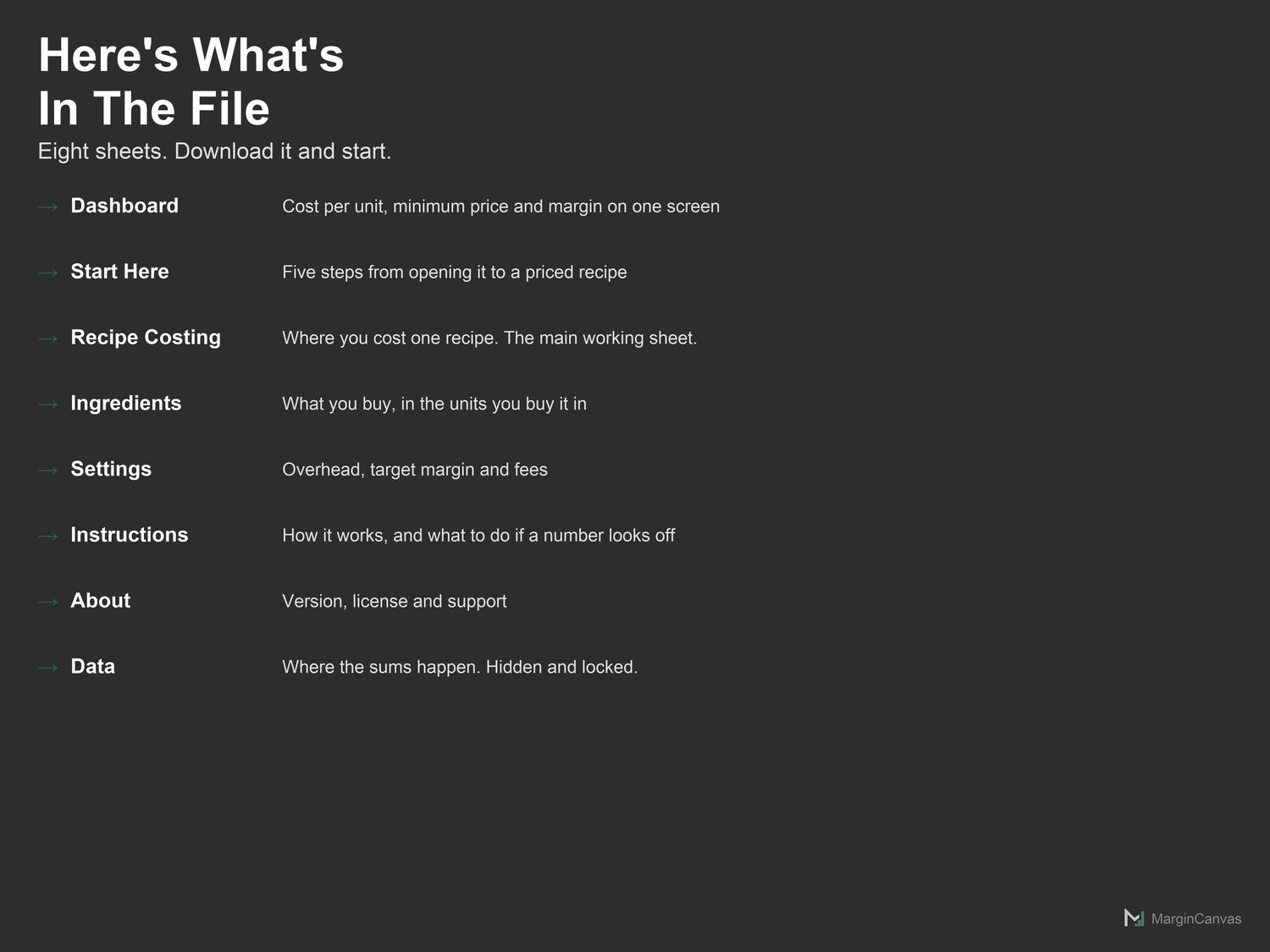
Everything in one file.

  • Dashboard: Three headline numbers and two charts. Read-only.
  • Start Here: Five steps from opening the file to a real number on screen.
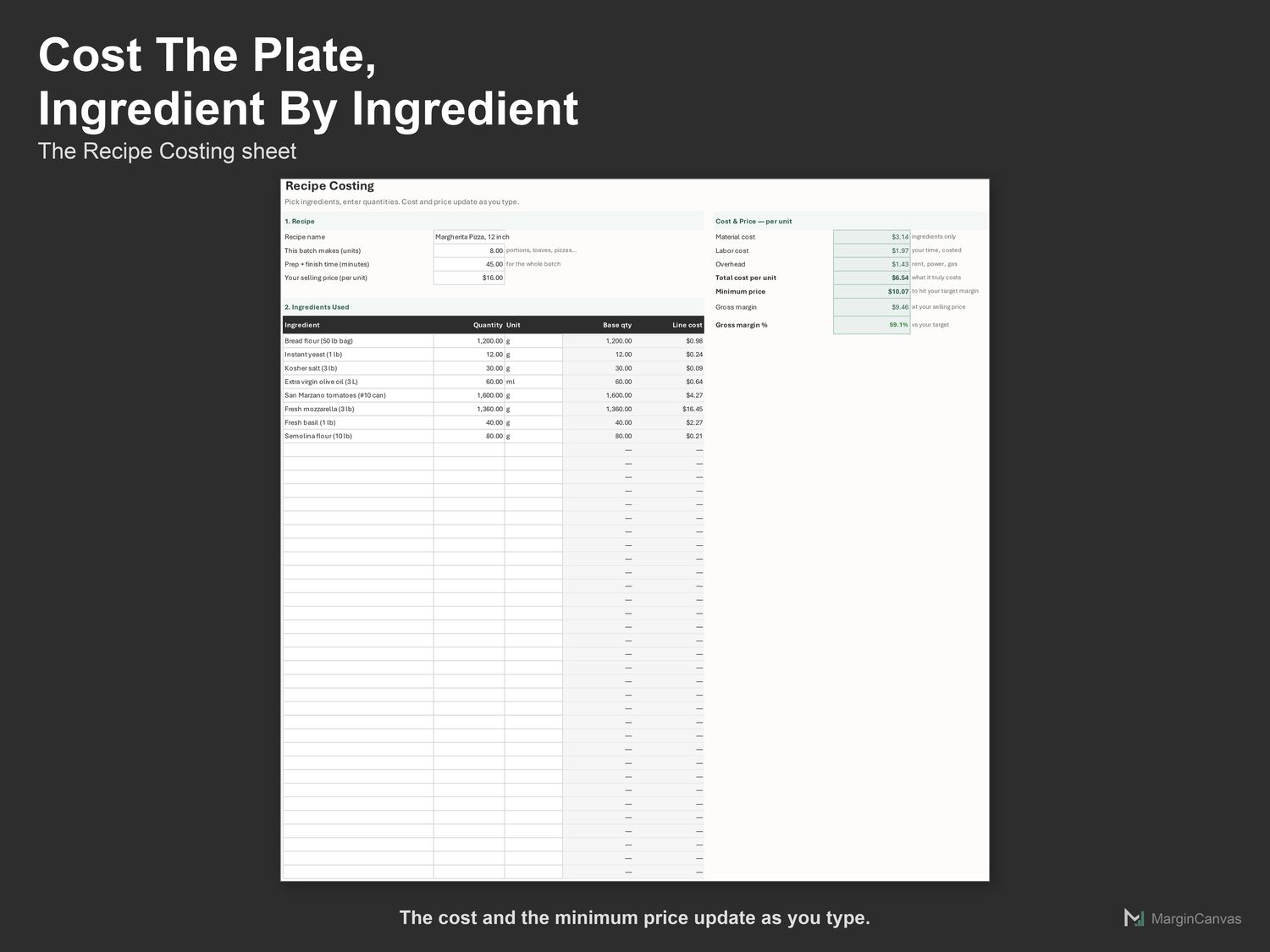
  • Recipe Costing: Where you cost one recipe. The main working sheet.
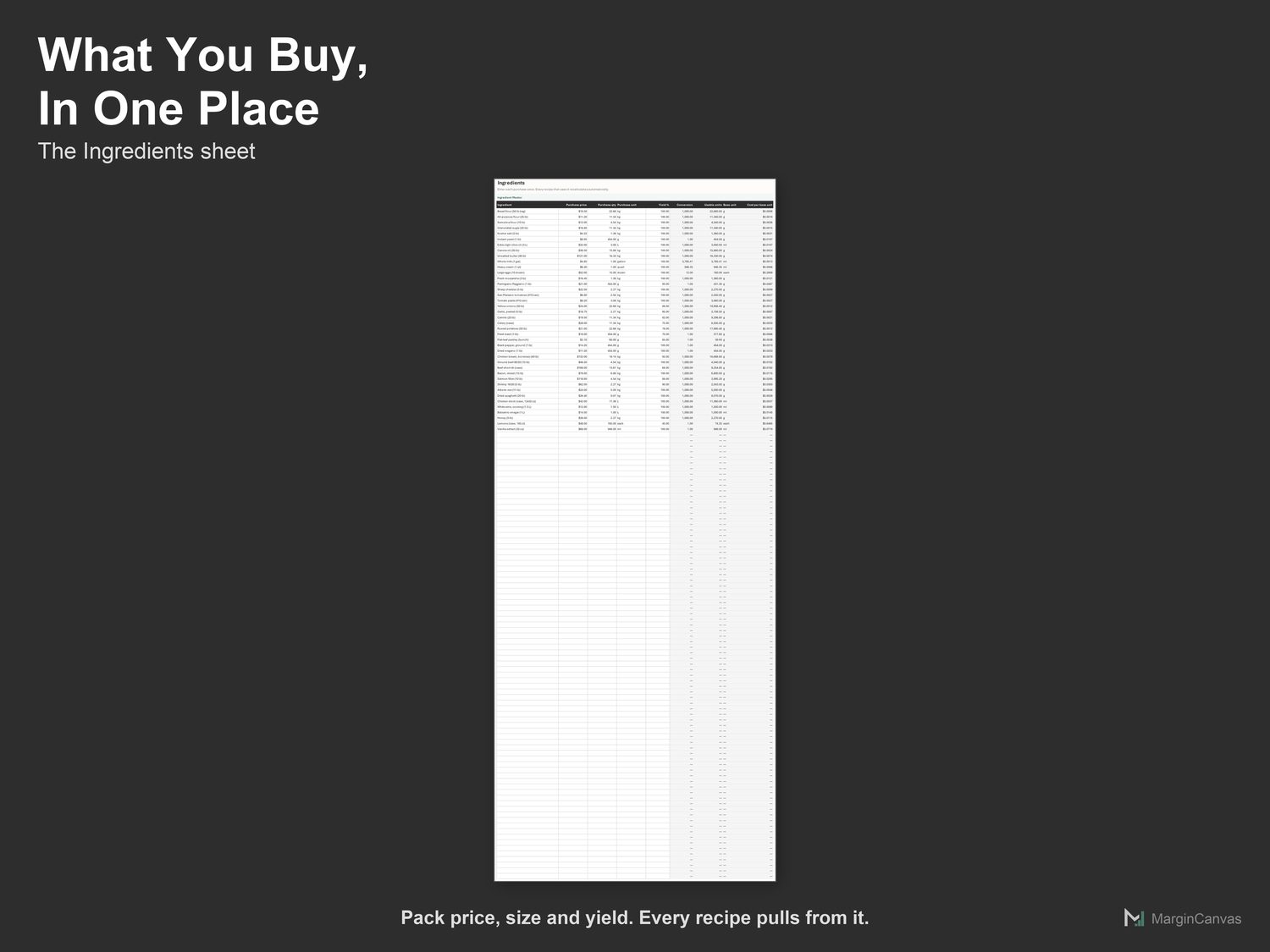
  • Ingredients: Your shelf. Enter each purchase once; used everywhere.
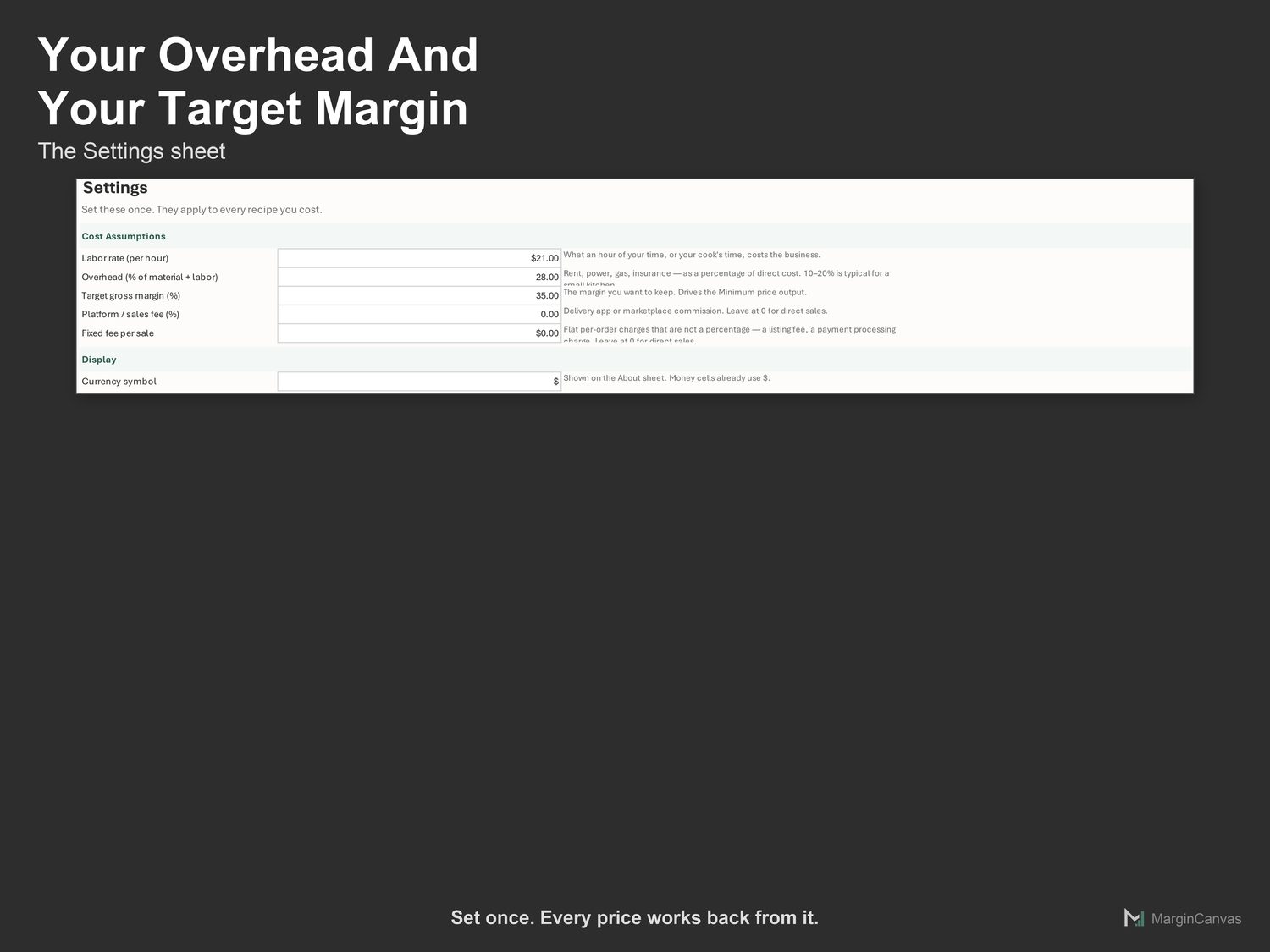
  • Settings: Labor rate, overhead, target margin and fees.
  • Instructions: What each sheet does, and what to do if a number looks off.
  • About: Version, license and support.
  • PDF Quick-Start Guide: two pages, first result in five minutes
How it works

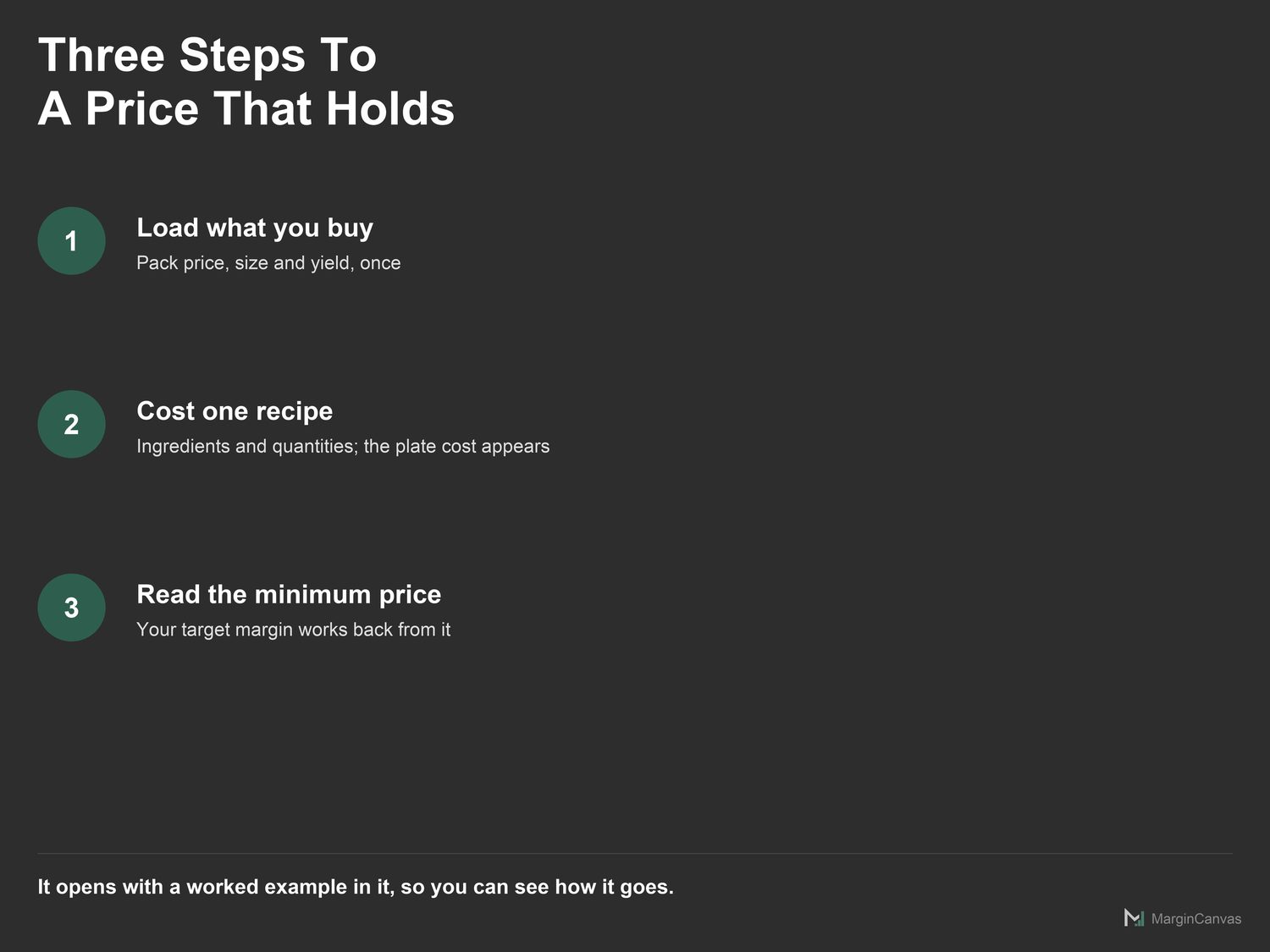
Three steps to a number you trust.

  1. Open Settings. Set your labor rate, overhead %, and the gross margin you want to keep.
  2. Open Ingredients. Replace the sample shelf with what you actually buy: price, pack size, unit, and yield % if you trim waste off it.
  3. Open Recipe Costing. Name the recipe and say how many units the batch makes.
A look inside

The screens you'll be working in.

List of the eight sheets in the food cost calculatorRecipe Costing sheet with ingredients, quantities and cost per plateIngredients sheet with pack prices, units and yieldSettings sheet with overhead, target margin and feesThree steps to a price: load ingredients, cost the recipe, read the minimumCompatibility list showing Excel, Google Sheets, Mac and Windows support
Questions

Good to know.

Does this work in Excel and Google Sheets?
Both. Google Sheets: File > Import, or open and make a copy. Excel 365: open it directly. No macros, no add-ons, nothing to install.
Why is my line cost showing 0.00?
Either the ingredient name does not match a row on the Ingredients sheet, or you bought it by weight and used it by volume. Convert the purchase to the family you cook in.
What is yield % and do I have to use it?
Yield % is how much of what you buy you can actually use. Onions lose skin and root; basil loses stems. Leave it at 100 if nothing is wasted, but using it honestly is where accurate costing starts.
How do I handle a sauce used in several dishes?
Cost the sauce as its own recipe, note its cost per unit, then add it to the Ingredients sheet as a single line at that price. Every dish that uses it now picks it up.
I'm not confident with spreadsheets. Will I manage?
Yes. The white cells are the only ones you touch. The Quick-Start Guide has your first real number on screen in about five minutes, and if you get stuck, message me.

One mispriced job costs more than this.

$39 once, and it's yours to keep. It pays for itself the first time it stops you underpricing a job or leaving margin on the table. No subscription, no login, just a file that does the maths.

Buy on Etsy · $39Gumroad coming soon
Related tools

Owners like you also use.